🔐 Signing In
Open FieldFuze in your browser to reach the sign-in screen. Your login connects you to your company's account and all of its jobs, customers, and crew.
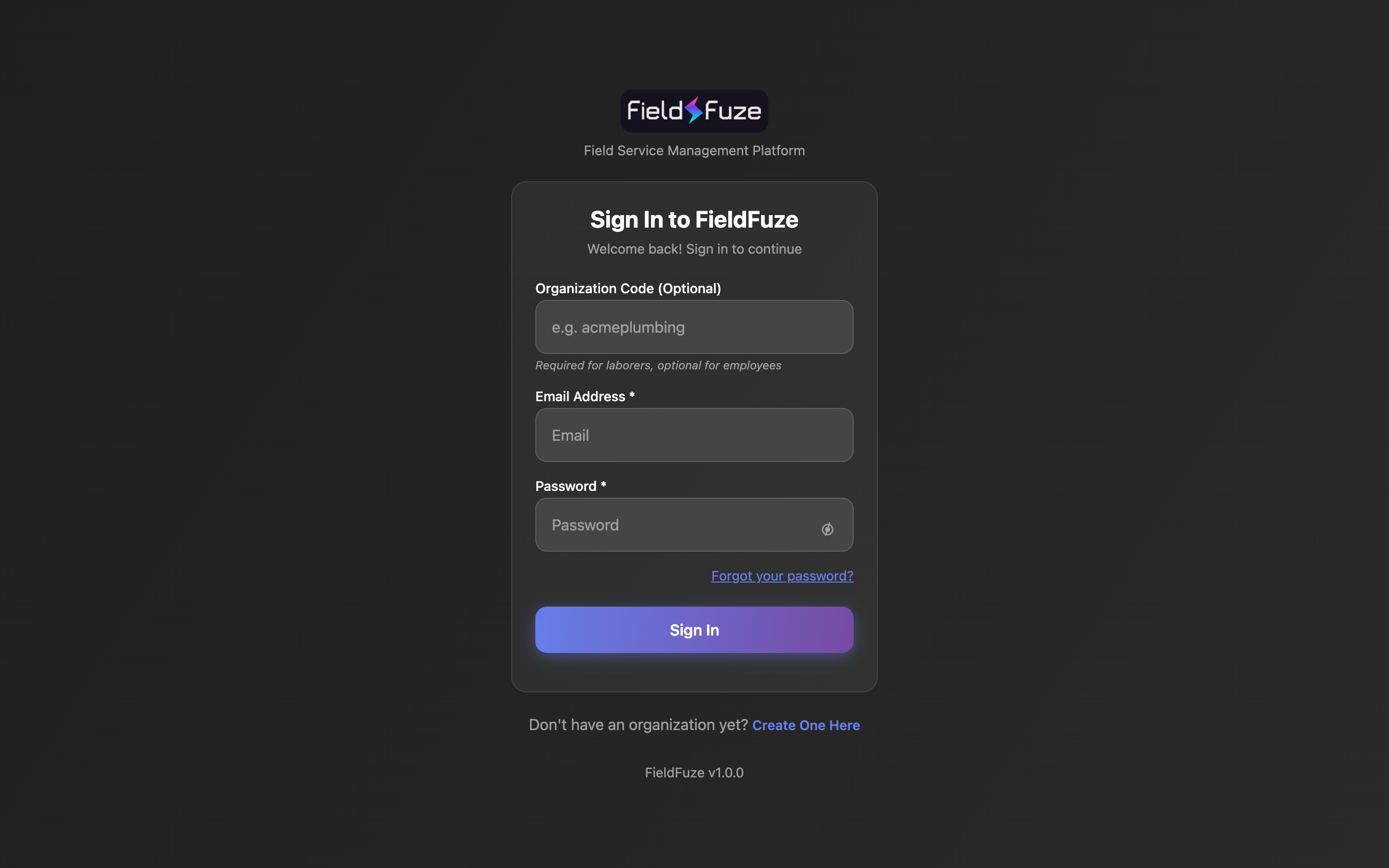
- Organization Code — required for field crew (laborers); optional for office staff and managers who sign in by email. Owners find and share it in Organization Settings → Company.
- Email Address — the email your account was created with.
- Password — use the eye icon to reveal it if needed.
- Click Sign In to land on your Dashboard.
Forgot your password?
Click Forgot your password?, enter your email, and FieldFuze emails a reset link from billing@fieldfuze.com.