🔗 Integrations Overview
FieldFuze connects to the tools you already use — payments, accounting, your CRM, material suppliers, roof measurements, and texting. You manage them all in one place.
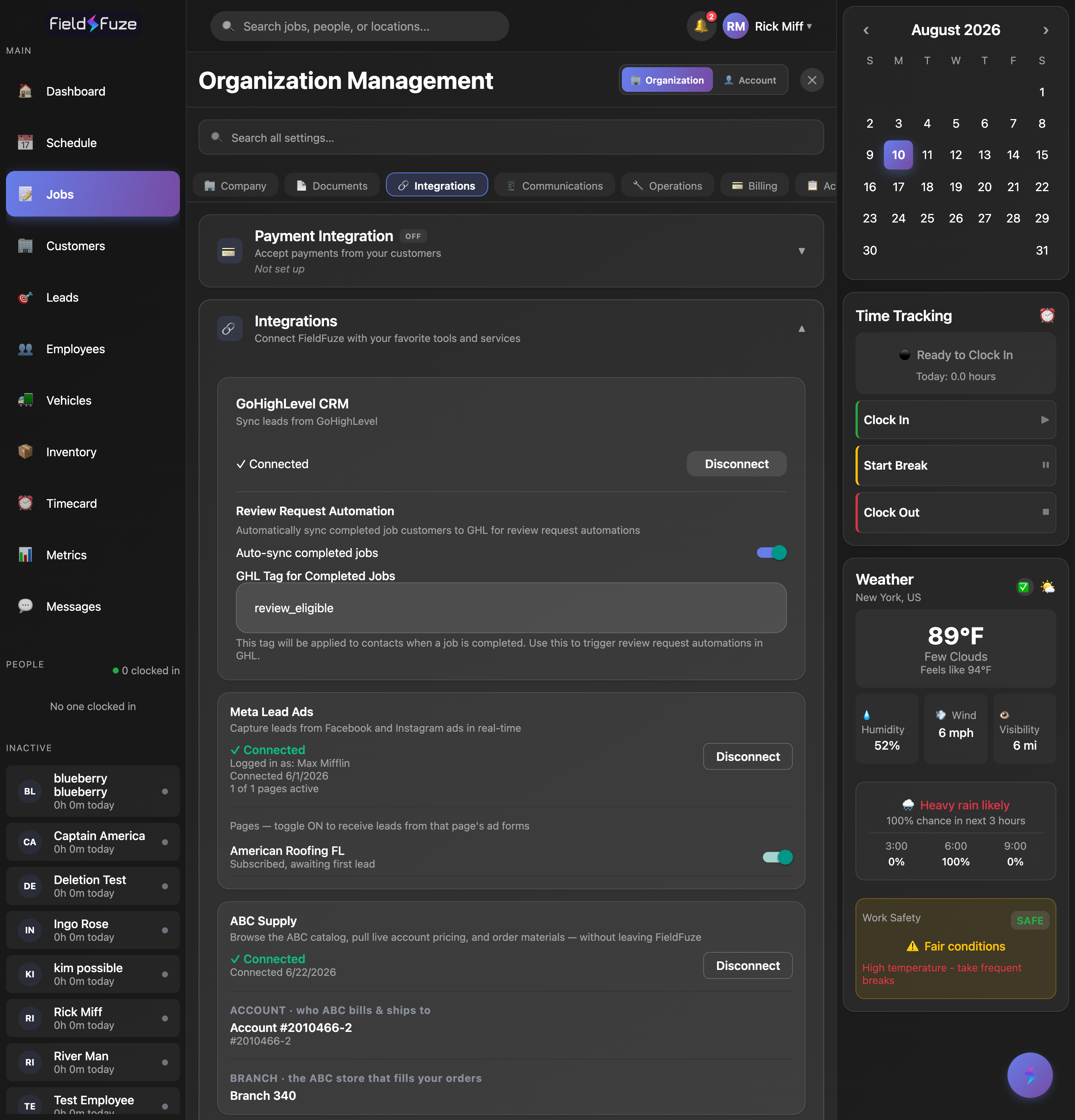
Where to connect
- Open your profile (top-right) → Organization Settings → the 🔗 Integrations tab, then expand the Integrations section.
- SMS Texting is set up under the 📱 Communications tab instead — see SMS Texting Setup.
What you can connect
- Payments (Stripe) — accept card & bank (ACH) payments and send payable invoices.
- QuickBooks Online — sync customers, invoices, and payments to your books, and import from QuickBooks.
- ABC Supply, SRS & QXO/Beacon — browse live supplier catalogs and order materials for a job (deep dives: ABC Supply, QXO).
- GoHighLevel & Meta Lead Ads — pull leads into your pipeline automatically.
- EagleView — order aerial roof-measurement reports from a job.
- SMS Texting — a business texting number for two-way SMS and automations.
How connecting works
Most integrations connect with a secure sign-in (you're sent to the provider's login in a new tab, then returned to FieldFuze). A couple use a key or account number instead (GoHighLevel, SRS). Once connected, each card shows a green ✓ Connected status.