The fastest quote wins the job. In painting, customers often choose the contractor who responds first with a professional estimate. If you're still creating quotes in spreadsheets or handwriting them on-site, you're losing work.
Paint estimate software lets you create professional proposals in minutes, send them instantly, and get signed approvals — all from your phone.
The best part? It doesn't have to cost anything.
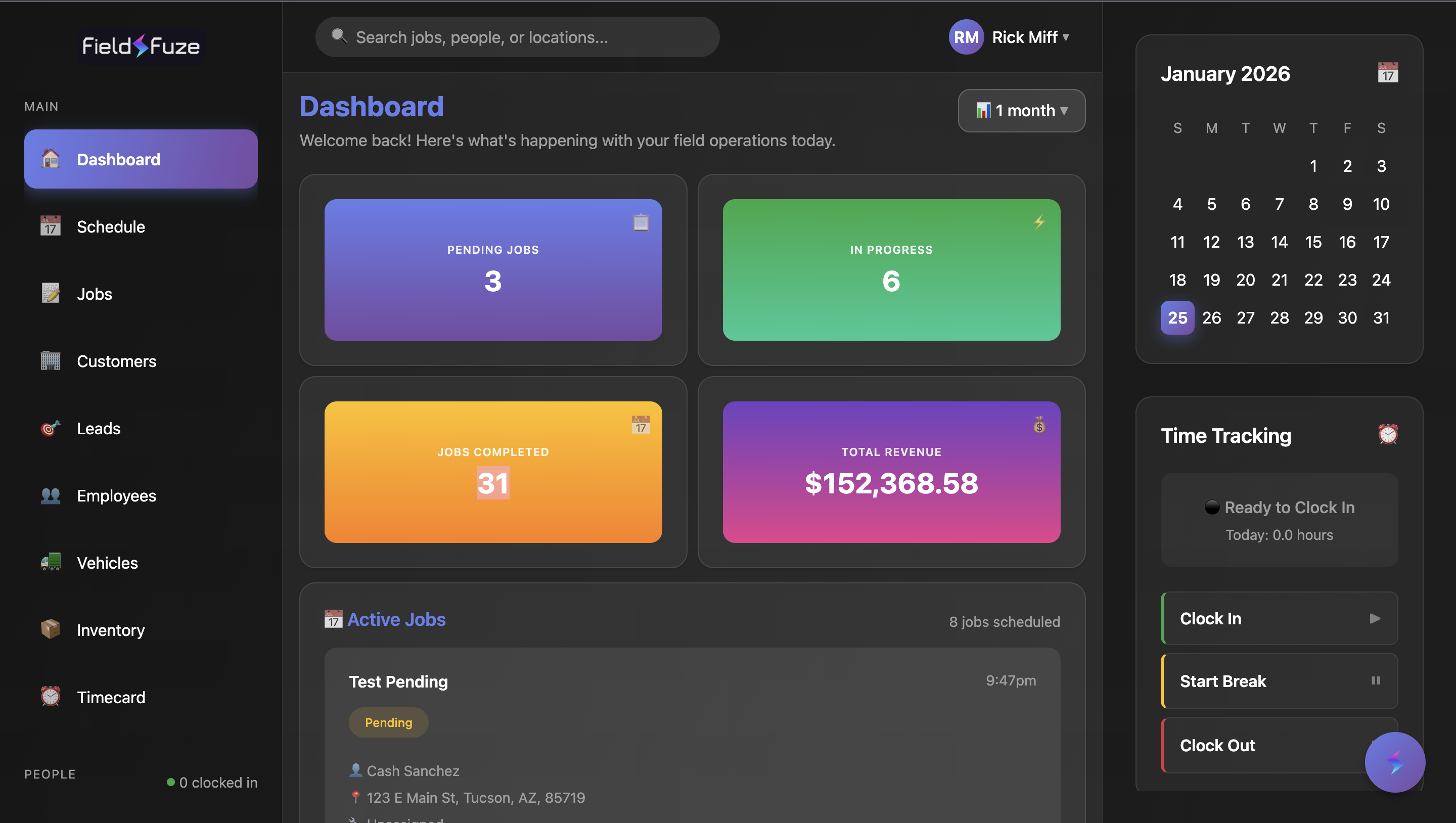
Best Free Option: FieldFuze
Professional paint estimates with:
$0/monthRoom-by-room pricing, materials, labor, photos, e-signatures. Unlimited estimates. No credit card required.
What Paint Estimate Software Should Do
Good estimating software makes quoting faster and more professional. Here's what to look for:
Essential Features for Paint Estimates
- Customizable line items — Add rooms, surfaces, materials, labor
- Square footage pricing — Calculate based on area measurements
- Photo attachments — Document conditions and scope
- Terms and conditions — Standard language on every estimate
- Digital signatures — Get approvals without paperwork
- Mobile access — Create estimates on-site from your phone
- Email delivery — Send professional proposals instantly
Free vs Paid Paint Estimate Software
Here's how the options compare:
| Software | Monthly Cost | Estimates | Photos | E-Signatures | CRM |
|---|---|---|---|---|---|
| FieldFuze | $0 | Unlimited | Yes | Yes | Yes |
| PaintScout | $149-$299/mo | Unlimited | Yes | Yes | Limited |
| Jobber | $39-$599/mo | Unlimited | Yes | Yes | Yes |
| Estimate Rocket | $19-$59/mo | Limited | Yes | Yes | No |
| Excel/Spreadsheets | $0 | Manual | No | No | No |
FieldFuze: Best Free Paint Estimate Software
Price: $0/month — forever
FieldFuze gives painting contractors everything they need to create professional estimates without any monthly fees:
- Unlimited estimates — No caps on how many you create
- Customizable templates — Save your standard line items
- Room-by-room breakdown — Itemize each area clearly
- Material tracking — Include paint, primer, supplies
- Labor calculations — Add hours or per-square-foot rates
- Photo documentation — Attach site photos to proposals
- Digital signatures — Customers sign online
- Estimate tracking — See when customers view and sign
How is it free? FieldFuze makes money on payment processing (2.9%) when you invoice through the platform. Estimates, scheduling, and CRM are completely free to use.
PaintScout: Specialized but Expensive
Price: $149-$299/month
PaintScout is built specifically for painting estimates with detailed room templates and paint calculators. However:
- Costs $149-$299/month (vs $0 for FieldFuze)
- No scheduling features — need separate software
- No invoicing — need separate software
- Limited CRM capabilities
Verdict: Good estimates, but at $1,800-$3,600/year you're paying a lot for software that only does one thing.
How to Create a Paint Estimate
Whether you use software or not, here's the process for accurate paint estimates:
Step 1: Measure the Space
Calculate square footage for walls (height × perimeter), ceilings (length × width), and trim (linear feet). Subtract windows and doors from wall calculations.
Step 2: Assess Conditions
Note surface conditions that affect pricing: repairs needed, texture, number of coats required, high ceilings, or difficult access.
Step 3: Calculate Materials
Standard paint covers 350-400 sq ft per gallon. Add primer if needed (especially for color changes or new drywall). Include tape, drop cloths, and supplies.
Step 4: Price Labor
Typical painting rates:
- Interior walls: $2-$4 per square foot
- Ceilings: $1-$3 per square foot
- Trim: $1-$3 per linear foot
- Exterior: $1.50-$4 per square foot
Step 5: Build the Estimate
Combine materials + labor + overhead + profit margin. Use FieldFuze to create a professional proposal with all line items clearly listed.
Create Your First Estimate Free
Professional paint quotes in minutes. No credit card required.
Get Started FreeWhat to Include in Paint Estimates
Professional paint estimates should include:
Estimate Components
- Scope of work — Exactly what's being painted
- Surface prep — Patching, sanding, priming
- Paint specifications — Brand, finish, number of coats
- Timeline — Start date, duration, completion
- Price breakdown — Materials, labor, total
- Payment terms — Deposit, progress payments, final
- Warranty — Coverage period and terms
- Exclusions — What's NOT included
Speed Up Your Estimates
Here's how to quote jobs faster using FieldFuze:
- Create templates — Save your standard line items (interior room, exterior siding, trim work)
- Use saved rates — Pre-configure your per-square-foot pricing
- Take photos on-site — Attach directly to the estimate
- Send immediately — Email the proposal before you leave the driveway
- Follow up automatically — Get notified when customers view the estimate
Painters using FieldFuze send estimates 5x faster than those using spreadsheets or paper.
Convert More Estimates to Jobs
Getting signatures is about speed and professionalism. Here's what helps:
- Respond within 24 hours — The first quote often wins
- Include photos — Shows you were thorough
- Break down the price — Transparency builds trust
- Make signing easy — Digital signatures get faster approvals
- Follow up — A reminder after 2-3 days can close the deal
The Cost of Not Using Software
Time Lost to Manual Estimates
That's over 3 weeks of work time you could spend on billable jobs or with your family.
Paint Estimate Software FAQ
What is the best free paint estimate software?
FieldFuze is the best free paint estimate software in 2026. It offers $0/month with professional estimates including room-by-room pricing, materials, labor, photos, terms, and e-signatures. No credit card required, unlimited estimates.
How do I create a paint estimate?
To create a paint estimate: 1) Measure the area (walls, ceilings, trim), 2) Calculate paint needed based on coverage rates, 3) Add labor hours based on surface type, 4) Include materials (primer, paint, tape, drop cloths), 5) Add profit margin. FieldFuze automates this process for free.
Is there free software to estimate paint jobs?
Yes, FieldFuze offers completely free software to estimate paint jobs. Create unlimited professional estimates with customizable line items, room breakdowns, material costs, labor rates, photos, and digital signatures — all for $0/month.
How much should I charge per square foot for painting?
Interior painting typically costs $2-$6 per square foot, exterior $1.50-$4 per square foot. Factors include surface condition, paint quality, number of coats, and local market rates. Use FieldFuze to build estimates with your specific rates.
Is PaintScout free?
No, PaintScout costs $149-$299/month. It's specialized for painting estimates but doesn't include scheduling or invoicing. FieldFuze offers similar estimate features plus complete business management for $0/month.
Can customers sign paint estimates digitally?
Yes, FieldFuze includes free e-signatures. Send estimates to customers via email, and they can review and sign digitally from any device. No printing, scanning, or meeting in person required. Signed documents are stored automatically.
The Bottom Line
Paint estimate software helps you quote faster, look more professional, and win more jobs. The good news is you don't have to pay $150-$300/month for it.
FieldFuze offers professional paint estimates for $0/month. Unlimited estimates, photos, e-signatures, and customer tracking — all free. No trials, no credit card, no hidden fees.
The faster you quote, the more jobs you win. Start creating professional estimates today.
Create Professional Paint Estimates Free
Join painting contractors sending faster, better quotes with FieldFuze.
Get Started Free — No Credit Card