If you're reading this, you're probably frustrated.
Maybe it's the pricing that crept up on you. Maybe it's the QuickBooks sync that breaks every other week. Maybe you just realized you're paying $350/month and still can't track your inventory or manage insurance claims from the app.
You're not alone. After talking to dozens of contractors who switched away from Jobber, a pattern emerged. Here's what's actually going on — and what the alternatives are.
The Bottom Line
FieldFuze charges no monthly subscription fee.
$0/monthWe make money the same way Jobber Payments does — 2.9% on card transactions. That's it. You keep the $4,188.
Jobber Review 2026: Why Contractors Are Leaving
Jobber Pricing: How Much Does Jobber Cost?
Jobber pricing looks affordable at first. $39/month for Core. Not bad, right?
Then you realize:
- Core doesn't include time tracking
- Core doesn't include expense tracking
- You need Connect ($169/mo) for QuickBooks sync
- Every user beyond your limit costs $29/month extra
A 10-person team on Grow? That's $349/month base + extra user fees. And you still don't get inventory management. Compare this to ServiceTitan's enterprise pricing and you'll see why contractors are looking for alternatives.
"Low tier didn't have what I needed, like job costing. Long story short, it got pricey really quickly."
What Jobber Actually Costs
Does Jobber Have Inventory Management?
No. This one's wild. Jobber is a field service platform, and you cannot track parts or materials.
If you're running an HVAC, plumbing, or electrical business, you're tracking inventory somewhere else — a spreadsheet, another app, or your head. That's insane in 2026. This is one of the biggest Jobber problems and Jobber complaints from contractors.
Does Jobber Support Insurance Claims?
If you do roofing, restoration, or any work that involves insurance claims, Jobber offers nothing. No claim status tracking. No documentation management. No adjuster communication logs.
You're left managing one of the most complex parts of your business outside the platform you're paying thousands for.
Jobber QuickBooks Integration Problems
This comes up constantly in reviews:
"The sync between QBO and Jobber is atrocious. We ended up removing the sync and manually entering those items."
If your books are a mess because invoices aren't syncing, you're not alone.
Jobber Features Behind Paywalls
Want expense tracking? Higher tier.
Want two-way texting? Higher tier.
Want job costing? Higher tier.
"Jobber is an overengineered platform that still lacks basic functionality a service business actually needs."
What You're NOT Getting for $4,188/Year
- Inventory management — Can't track parts or materials
- Insurance claims tracking — No support for restoration work
- Automatic time tracking — Manual clock in/out only
- Commission tracking — Can't see which techs generate revenue
- Reliable QuickBooks sync — Constant issues reported
Best Free Jobber Alternative: FieldFuze
FieldFuze charges no monthly subscription.
Zero. Nothing. $0/month.
We make money the same way Jobber Payments does — 2.9% on card transactions. That's it.
The difference? You keep the $4,188.
The Real Comparison ($500K/year revenue)
That's a new tool every year. That's a vacation. That's money back in YOUR pocket instead of software fees.
Jobber vs FieldFuze: Feature Comparison
| Feature | Jobber | FieldFuze |
|---|---|---|
| Monthly subscription | $39–$599 | $0 |
| Job scheduling | Yes | Yes |
| GPS tracking | Yes | Yes |
| Invoicing & estimates | Yes | Yes |
| Customer management | Yes | Yes |
| Inventory management | No | Yes |
| Insurance claims tracking | No | Yes |
| Auto time tracking | No | Yes |
| Commission tracking | No | Yes |
| Contract e-signatures | Limited | Yes |
| AI assistant | Limited | Yes |
| Per-user fees | $29/user | None |
You're not downgrading. You're upgrading — and keeping your money.
What Features Does Jobber Not Have?
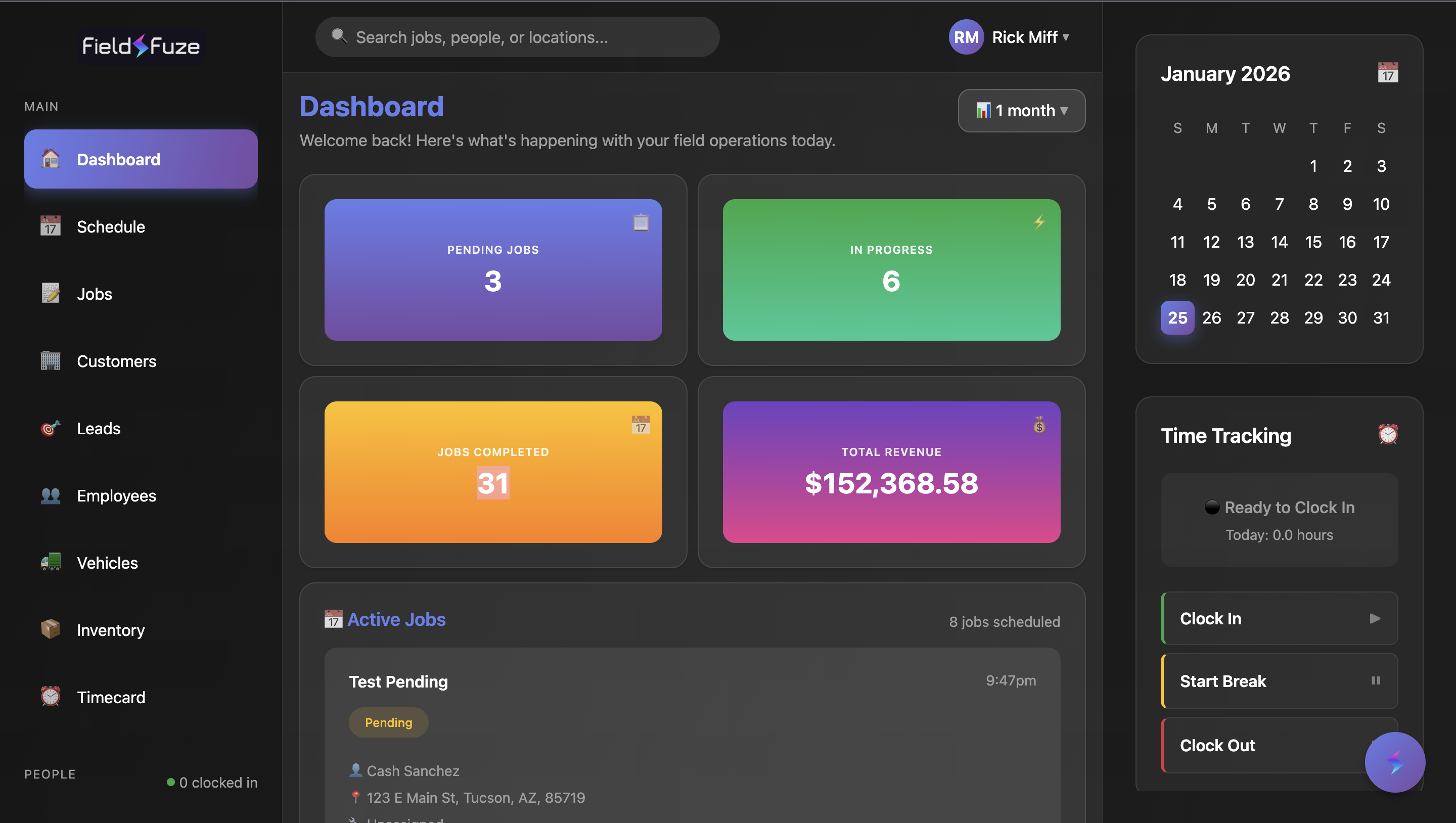
What FieldFuze Gives You
- Inventory that tracks itself — Know what parts you have, auto-deduct on job completion
- Insurance claims without chaos — Track claim status, documentation, and approvals
- Time tracking that actually happens — Clock-in on login, automatic overtime calculation
- See who's making you money — Commission tracking by technician
- AI assistant built-in — Help with job notes and customer communication
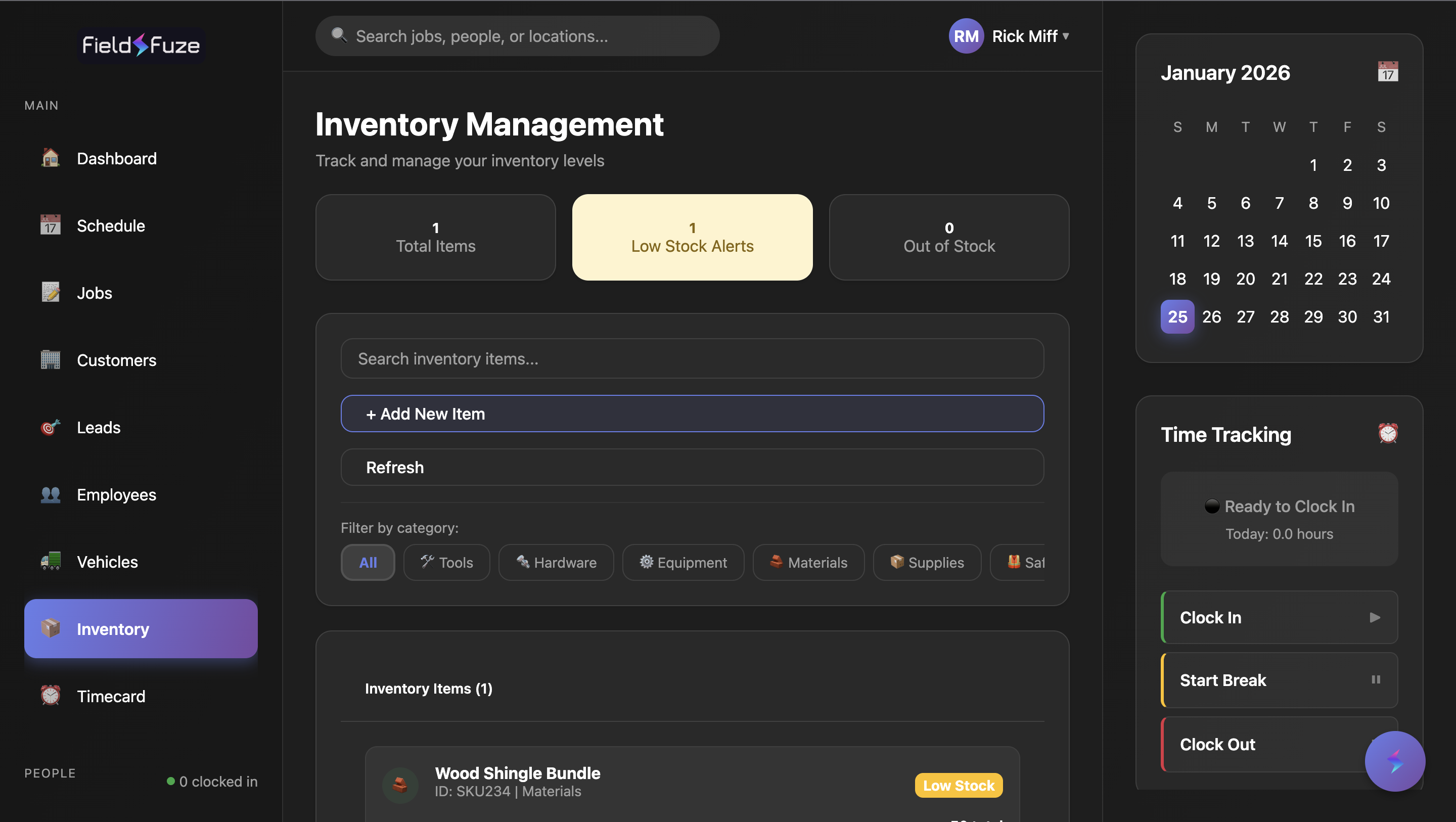
Inventory That Tracks Itself
Know what parts you have. Know what's on the truck. Automatically deduct when a job closes out.
No more spreadsheets. No more "I thought we had that part."
Insurance Claims Without the Chaos
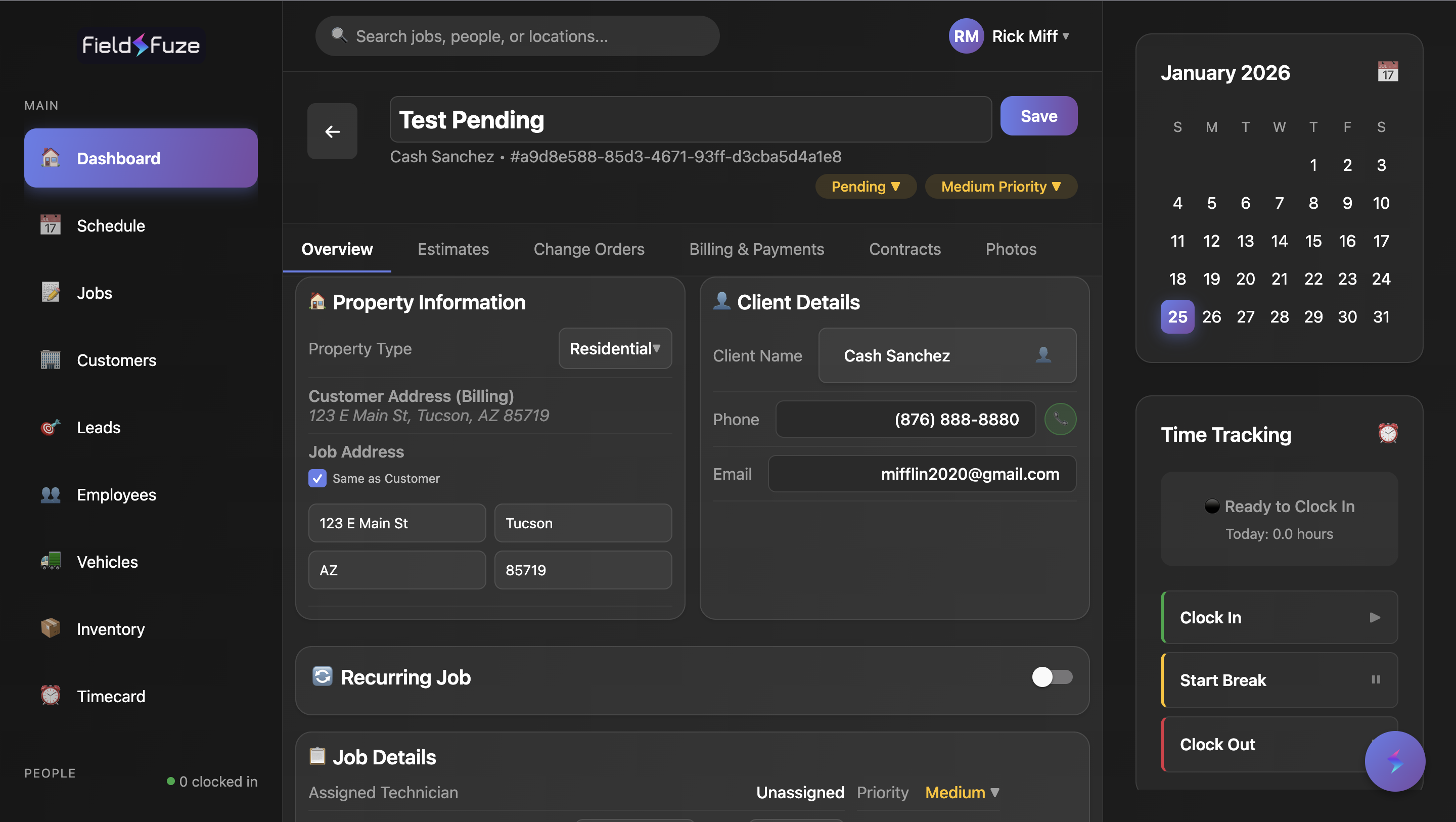
If you do storm damage, water restoration, or any insurance work — you know the paperwork nightmare.
FieldFuze tracks claim status, documentation, adjuster communications, and approvals in one place. Jobber doesn't even try.
Time Tracking That Actually Happens
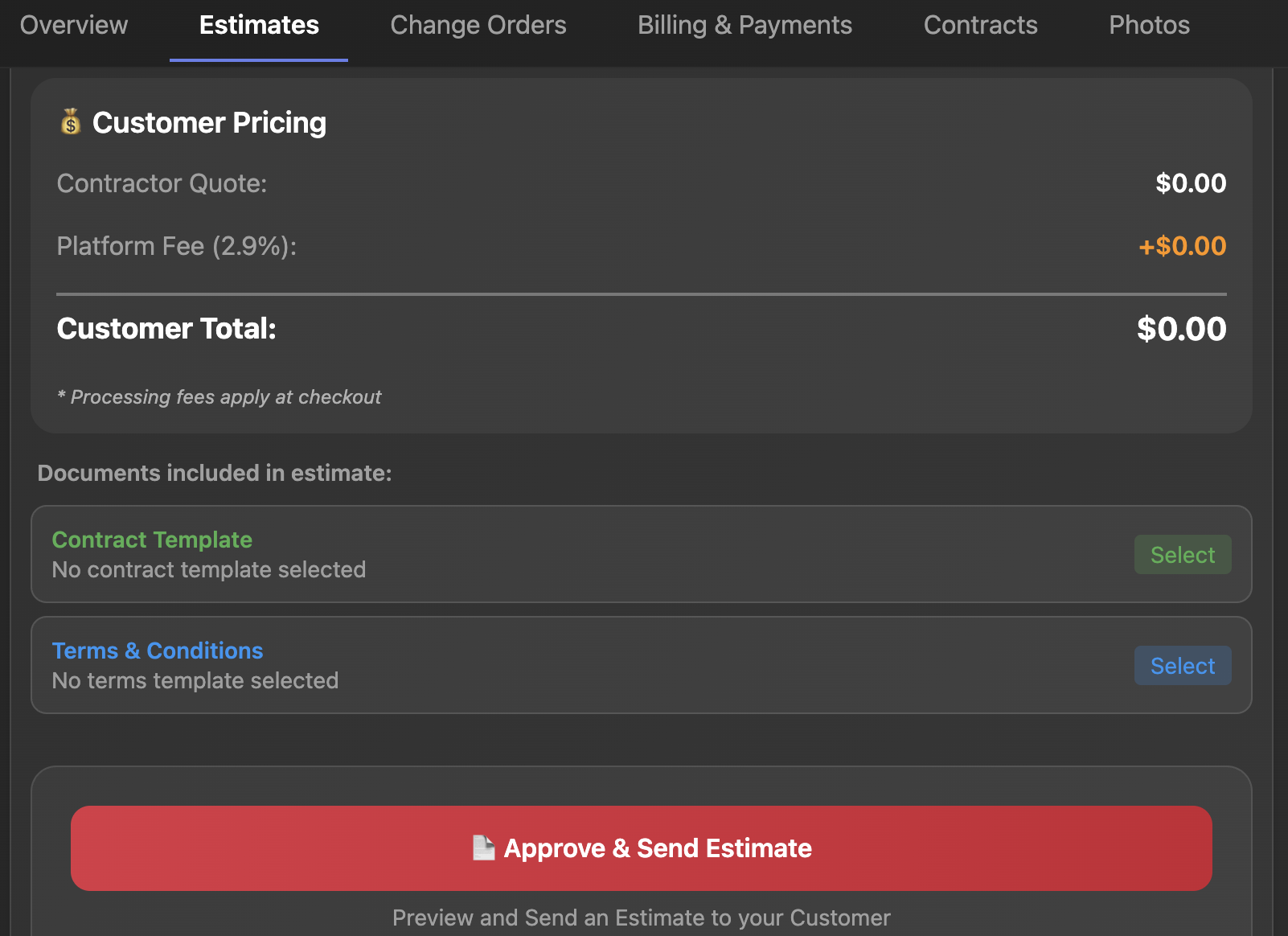
Your techs log into the app. Clock starts automatically.
Breaks tracked. Overtime calculated. Payroll-ready reports without chasing anyone down.
See Who's Making You Money
Track revenue by technician. See close rates. Know who's selling and who's just showing up.
Jobber doesn't offer commission tracking. You're flying blind on your own team's performance.
How to Switch from Jobber to FieldFuze
We hear this a lot.
Yes, you have years of customer data in Jobber. Yes, switching feels like a massive project.
Here's the truth: it's not as hard as Jobber wants you to believe.
- Customer data imports in minutes
- Your team learns the app in one day
- No 4-week "implementation" like the enterprise tools
The contractors who switch all say the same thing:
"Switching after 5 years and thousands of invoices is horribly inconvenient, but my only complaint is that I didn't do it sooner."
The pain is temporary. The relief is permanent.
Best Field Service Software for HVAC, Plumbing, Electrical & Roofing
FieldFuze works great for:
- HVAC contractors — scheduling, inventory tracking, service agreements
- Plumbing companies — job management, invoicing, time tracking
- Electrical contractors — estimates, contracts, payment processing
- Roofing contractors — insurance claims tracking, documentation, photos
- Lawn care & landscaping — route optimization, recurring jobs
- Cleaning services — scheduling, customer management
- Teams of 2-50 technicians
- Anyone doing insurance/restoration work
This is NOT for you if:
- You only need the absolute basics and don't mind Jobber's limitations
- You love paying monthly fees for some reason
Is Jobber Worth the Price? The Real Cost
Every month you stay on Jobber:
- Another $169-$599 gone
- Another month tracking inventory in spreadsheets
- Another payroll cycle chasing timesheets
- Another insurance job managed through sticky notes
In 12 months, you'll have paid Jobber $2,000-$7,000 for software that doesn't do what you need.
Or you could pay $0 and get more.
See How FieldFuze Compares to Jobber
No credit card. No commitment. Book a quick demo and see why contractors are switching from Jobber.
Your subscription cost: $0. Forever.
Book a Demo — See the DifferenceJobber Alternative FAQ
"What's the catch?"
No catch. We make money on payment processing — same as Stripe, Square, or Jobber Payments. We just don't charge you monthly on top of it.
"Can I import my Jobber data?"
Yes. Customers, job history, everything.
"Is this actually built for field service?"
Yes — scheduling, dispatch, GPS tracking, estimates, invoices, contracts, inventory, time tracking, insurance claims. It's all here.
"What if I need help?"
Real support from people who understand the trades. Not scripts.
Jobber vs FieldFuze: The Verdict
Jobber charges $4,188/year AND payment processing fees AND doesn't include inventory, claims tracking, or auto time tracking.
FieldFuze charges $0/year, the same processing fee, AND includes the features Jobber doesn't have.
If you're looking for a Jobber alternative that saves you money and gives you more features, FieldFuze is the clear choice. Whether you're searching for the best HVAC software, best plumbing software, or best field service software for contractors — FieldFuze delivers enterprise features at $0/month. Also see our ServiceTitan alternative comparison if you're considering enterprise options.
Ready to Stop Overpaying?
Join contractors who keep their money and get better software.
Book a Demo — $0/Month Forever