
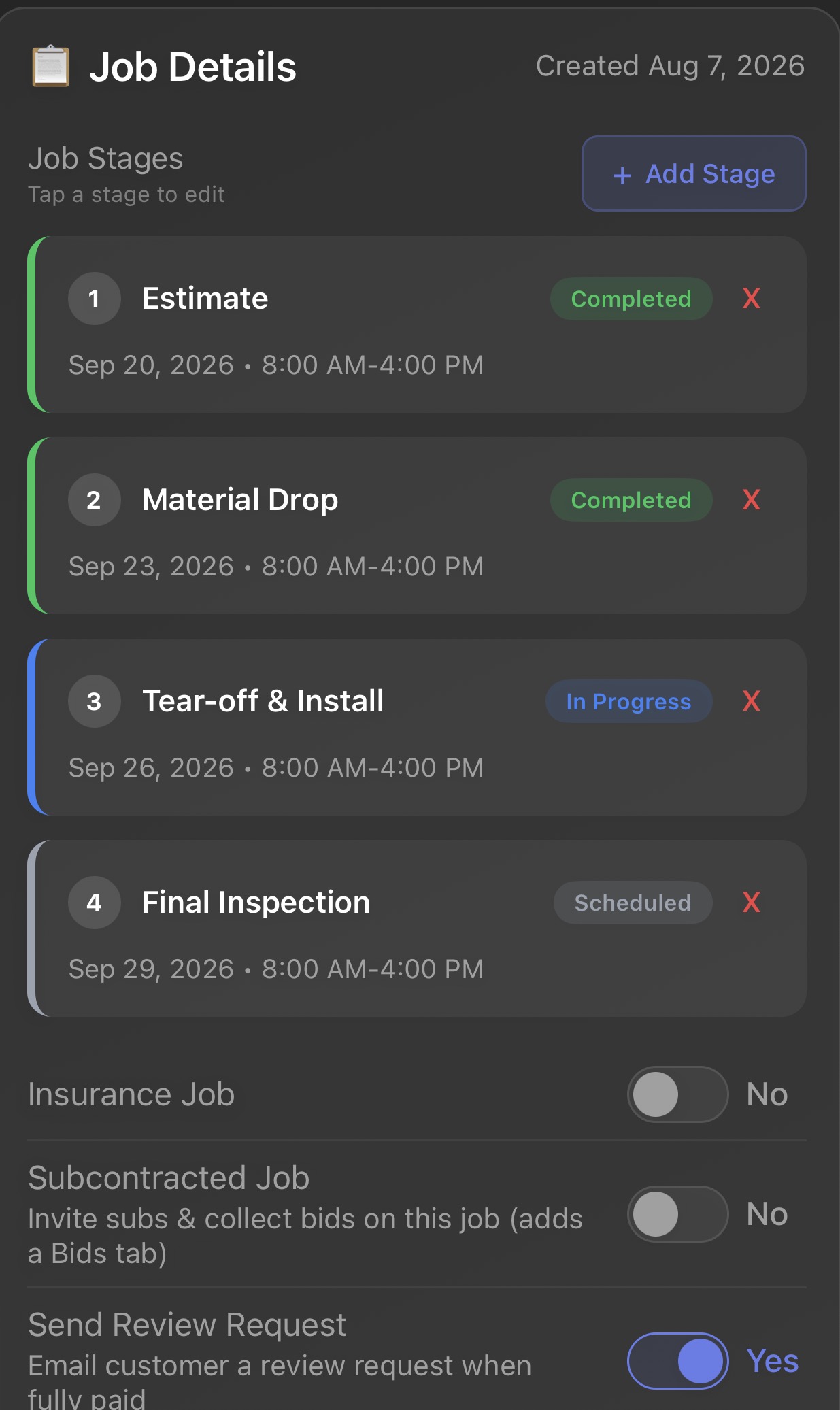
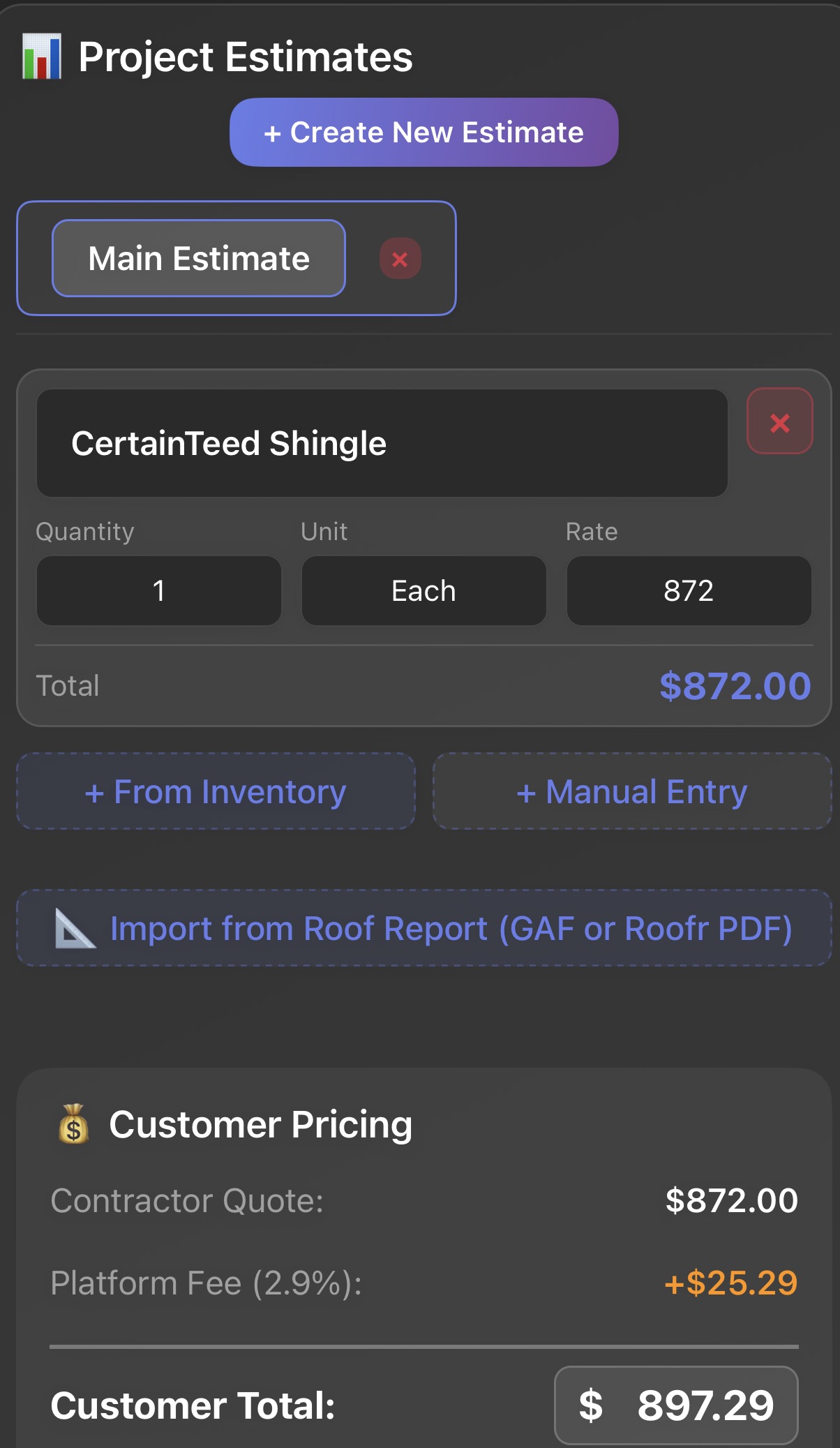
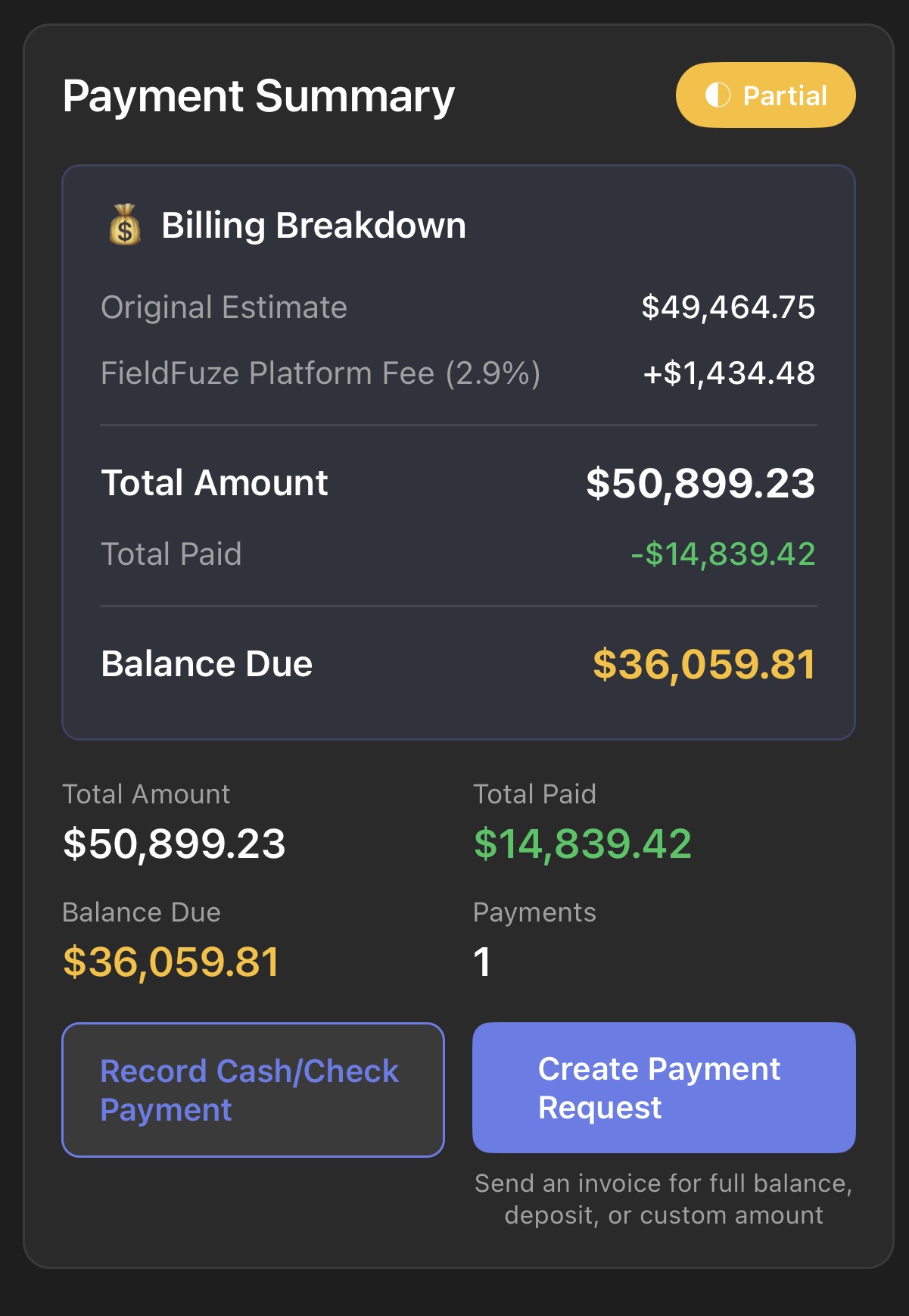






The all-in-one field service app for contractors. Schedule crews, send estimates, capture job-site photos, invoice customers, and collect payment from the office or the truck.
No contracts · Set up in a day · Works with QuickBooks, Stripe & your suppliers
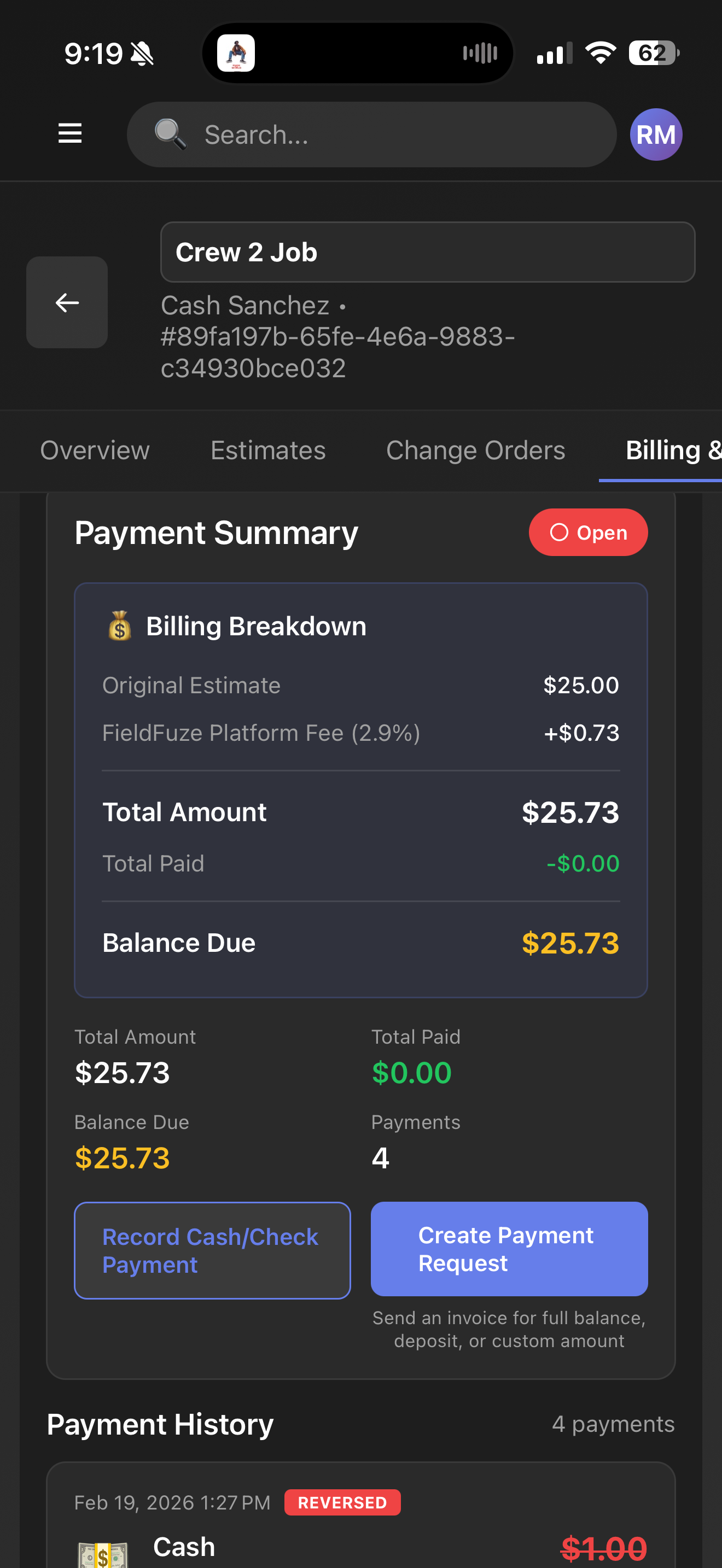
No subscriptions. No seat limits. You only pay a flat 2.9% when you actually get paid. That's it.
See how FieldFuze simplifies your entire operation in under a minute.
Field service teams across the country rely on FieldFuze to schedule crews, invoice customers, and keep every job on track.



FieldFuze plugs into the platforms that run your business, from payments and accounting to communications, marketing, and supplier ordering, so your data stays in sync instead of scattered across apps.



Native connections that work out of the box. No middleware, no Zapier. See all FieldFuze integrations →
Give the office and field the same up-to-date job information without copying details between spreadsheets, texts, and disconnected apps.
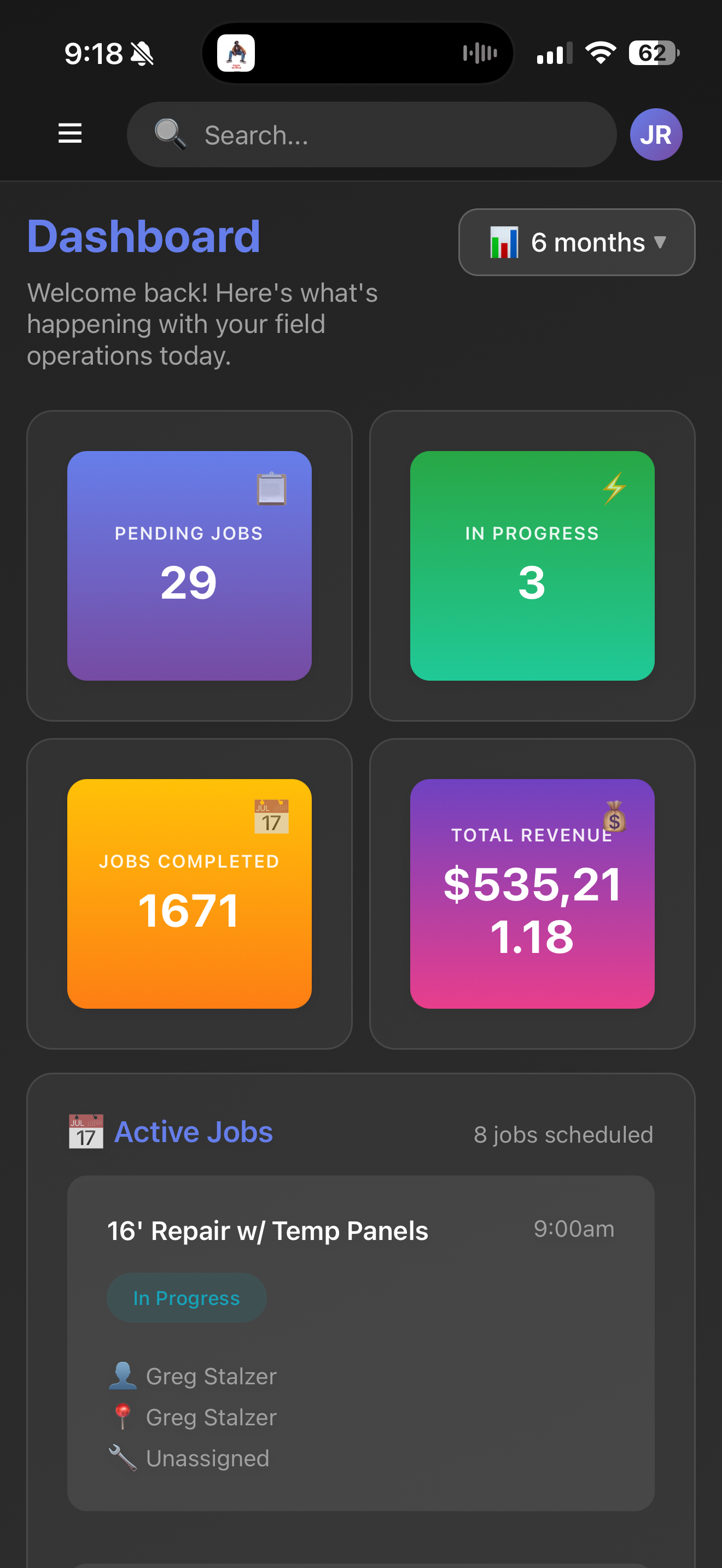
See the day at a glance, assign the right crew, and update jobs without another round of group texts.
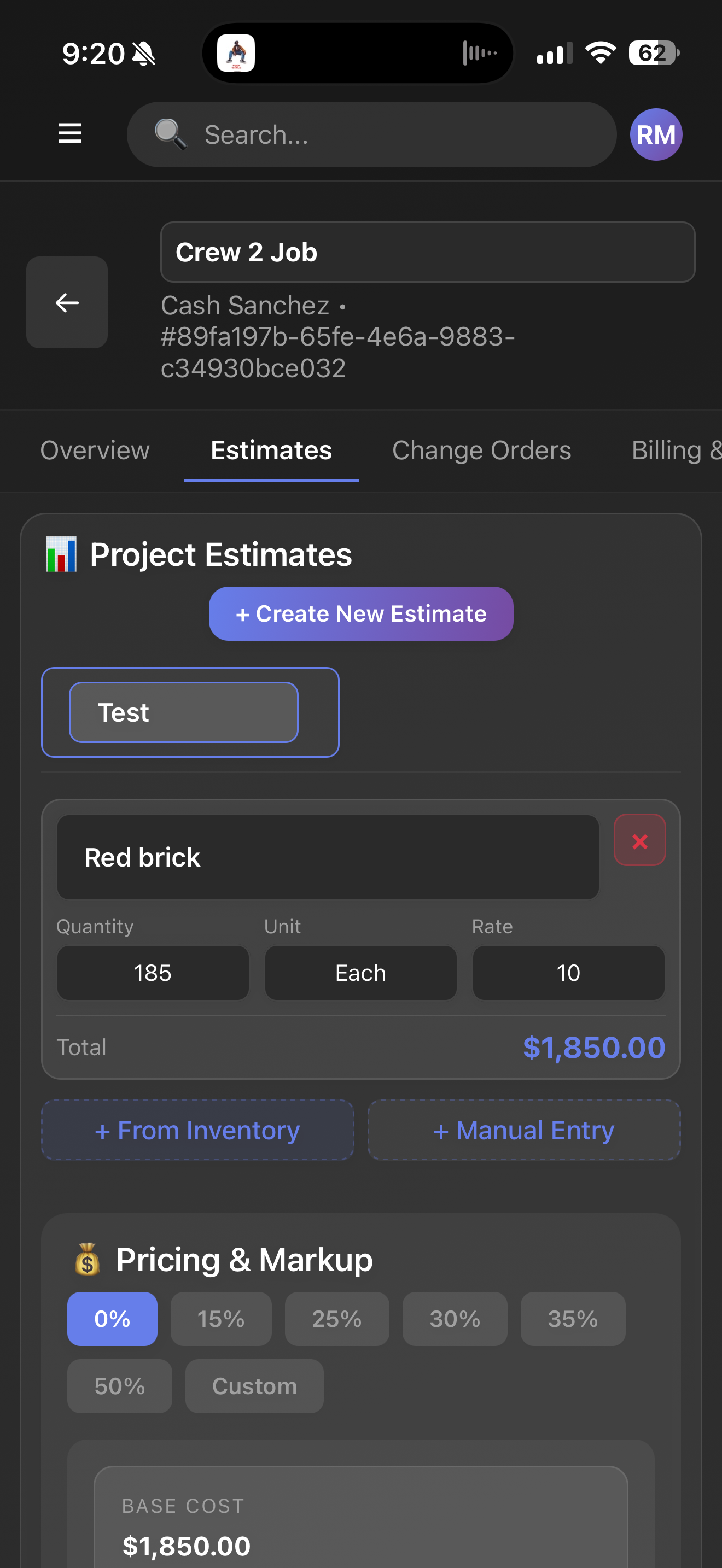
Explore scheduling →Build estimates in the field, turn approved work into an invoice, and keep payment status visible to the office.
Explore estimates and invoicing →Turn your estimates into a branded good/better/best proposal with financing and online e-sign, so the customer picks an option and signs from their phone.
Explore proposals →Snap a receipt and our AI reads the vendor, amount, and date, then files it to the right job. Watch each job's true gross margin update live, before it is finished.
Explore job costing →Keep vehicle assignments, crew activity, mileage, and job locations connected to the work they support.
Explore fleet management →Know what is on hand, what is committed to a job, and what needs to be reordered before the crew is waiting.
Explore inventory →Give your team one record for every customer, property, estimate, job, invoice, and conversation.
Explore customer management →Capture field time against the right jobs and turn cleaner timecards into faster payroll review.
Explore time tracking →Send estimates and agreements for approval without printing, scanning, or chasing paper signatures.
Explore e-signatures →Publish a scope, invite subs to bid through a private link, compare every bid apples-to-apples, then award and manage the subcontract.
Explore subcontractor bidding →Start with the workflows your team uses every day, then add the tools you need as the operation grows.
Coordinate sales, production, crews, measurements, job documents, and customer updates in one record.
FieldFuze for roofers →Manage scheduled work, emergency calls, recurring service, technicians, equipment history, and billing.
FieldFuze for HVAC teams →Dispatch service calls, keep job notes and materials together, and invoice customers from the field.
FieldFuze for plumbers →Track crews, job progress, time, documentation, change orders, and billing across service and project work.
FieldFuze for electricians →Move from estimate to materials, crew scheduling, job photos, change orders, and final invoice without re-entry.
FieldFuze for fence contractors →Whether you're in the office or on a job site, FieldFuze keeps your entire operation at your fingertips.
 QXO Partner
FieldFuze runs for any contractor. But if you order through QXO, your branch gets you fully set up and unlocks built-in QXO ordering, right inside the app.
See how QXO ordering works →Map FieldFuze to your workflow and move your team over without a drawn-out implementation project.
Pick a time and show us how your team schedules, dispatches, estimates, and invoices today.
We'll focus the demo on your actual process and show how FieldFuze fits your operation.
Add your team, customers, active jobs, and the information you need to keep working.
Schedule work, update the crew, capture job details, and invoice from the same system.
Add advanced workflows, integrations, and your whole crew as your operation grows.
Bring us your current scheduling, estimating, or invoicing headache. We'll show you the exact workflow in FieldFuze, without a long sales presentation.
Book a 20-Minute DemoTell us how your team works today. We'll show the relevant FieldFuze workflow and answer your migration questions.
sales@fieldfuze.com
(713) 628-9081